
Your crew is on the job.
Your customer still needs an answer.
Xenco Local OS connects your website, inbound calls, lead intake, estimates, scheduling, job updates, and invoicing in a workflow configured for your business.
Diagnose Your Bottleneck
Walk through where intake, estimating, and field handoffs tend to slow down across your service territory. This 5-question check surfaces common friction points so you arrive at the walkthrough with a clearer picture of where the workflow could help.
- Plain operational questions: no projections, promises, or guaranteed outcomes — just how your intake and handoffs work today.
- Surfaces dispatch gaps between office staff and field crews.
- Gives you a friction summary to bring to your walkthrough review.
What primary service trade best categorizes your business?
Select your field model to evaluate service scheduling mechanics.
One Connected Workflow
Four connected stages move each job from the first inquiry through estimate, field work, and invoicing — so each step carries into the next and the office and field team can see what needs attention.
Inquiry Intake & Service Scheduling
Inbound service inquiries — calls and web requests — are captured and organized by service type and territory, so jobs move into scheduling without duplicate entry. The AI phone assistant can answer routine questions and help book appointments when your office or crew is busy.
See the Workflow Examples
Direct interface walkthroughs from active production environments, private concept previews, and dated public snapshots.

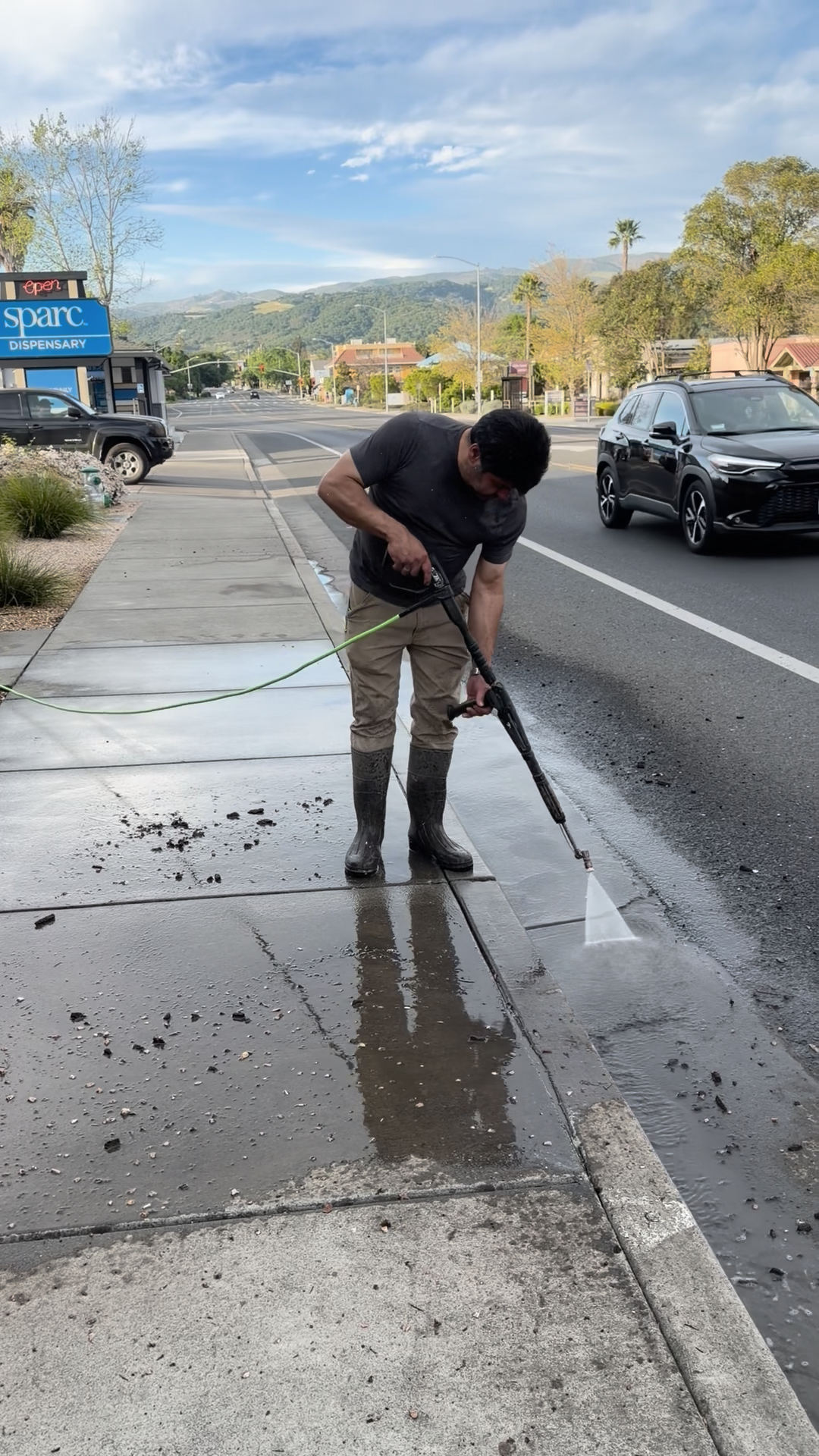
Sonoma Wash Co.
Recurring commercial fleet service plans, multi-rig scheduling, and technician chemical-usage notes captured alongside each field service ticket.

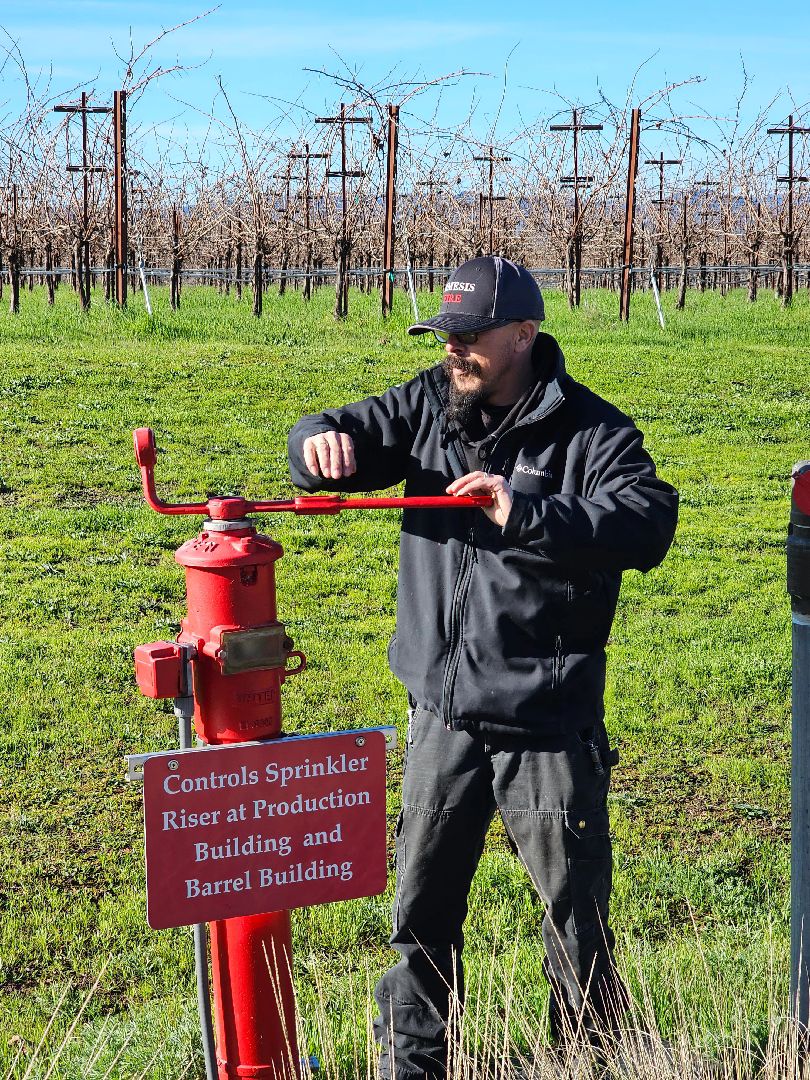
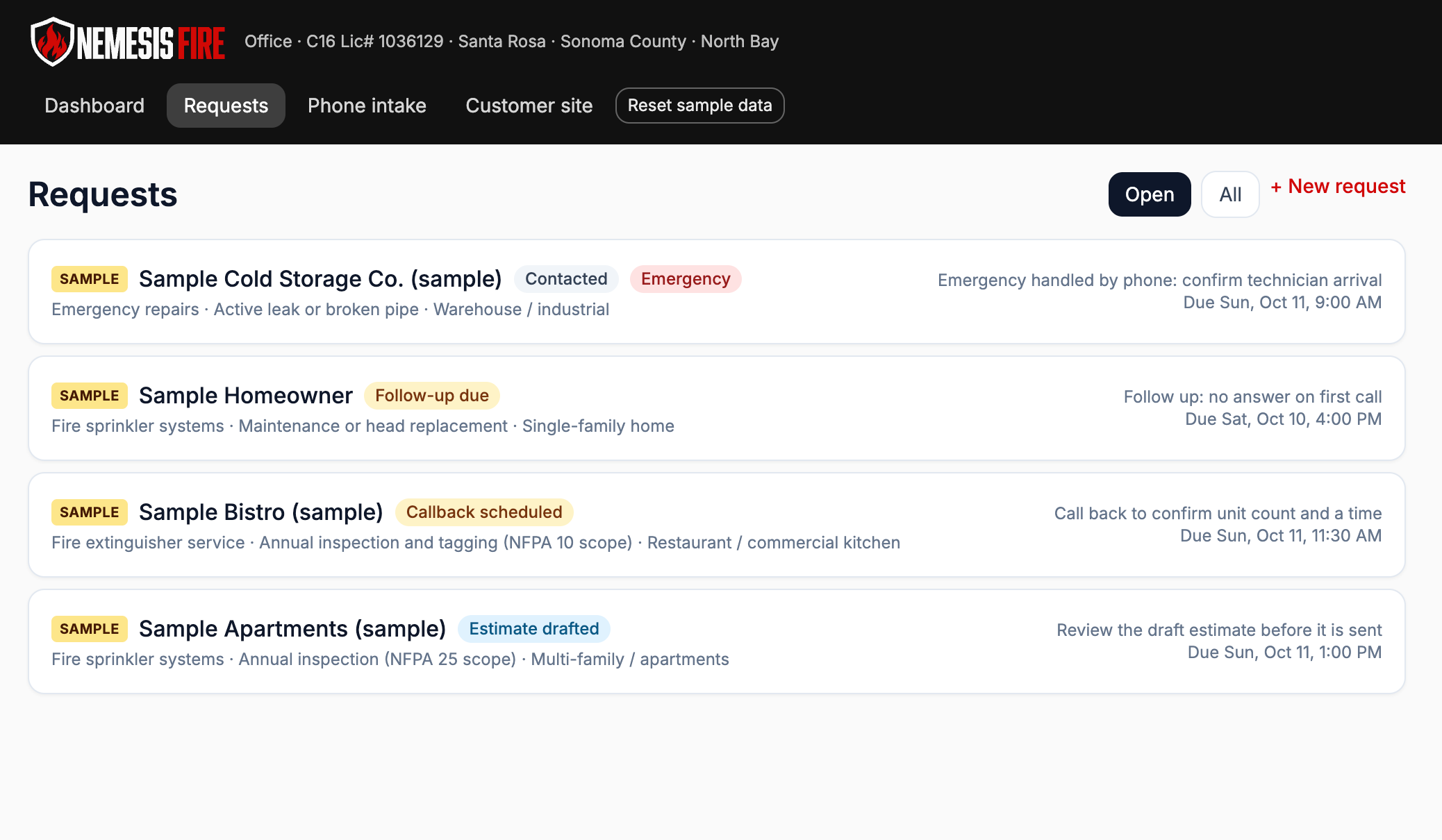
Nemesis Fire
Concept preview exploring NFPA inspection logging, annual extinguisher recertification reminders, and emergency service intake with a parts lookup.


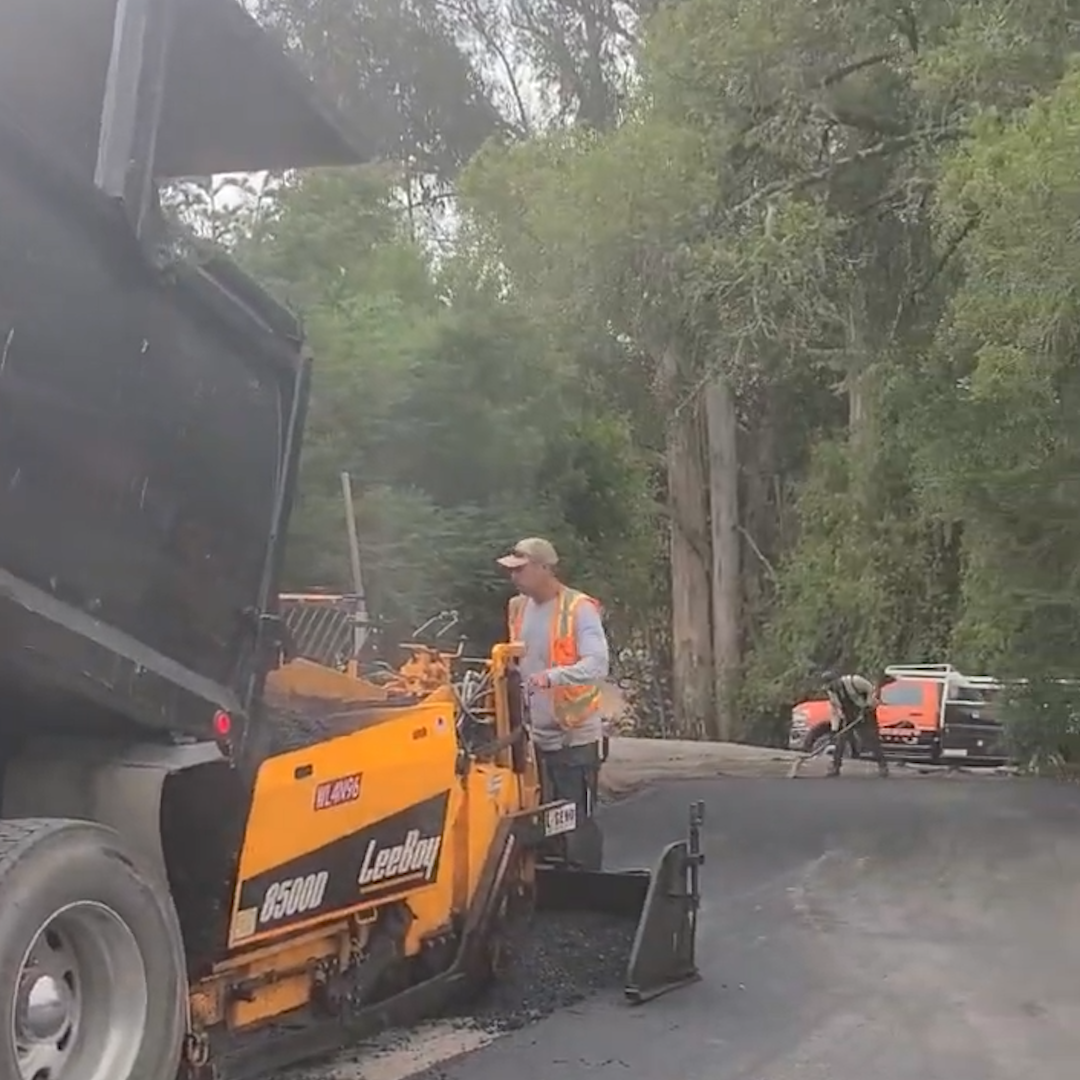
Jackson’s Paving
Concept preview exploring square-footage material estimates, crew staging, asphalt plant ticket reconciliation, and rain-delay rescheduling.

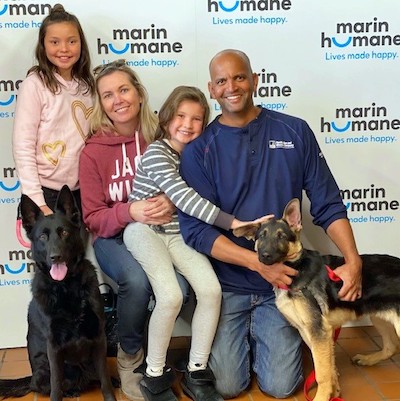
Marin Humane Concept
Concept snapshot exploring volunteer intake coordination, kennel occupancy planning, and foster-to-adoption status tracking.
NOTICE: Examples include production customer workflows, private concept previews, and dated public snapshots. No paid client endorsement, specific revenue results, or pre-installed integration is implied. Private concept previews are not paid client endorsements and are not installed at a prospect's business.
Configured For Your Business
Overview of system capabilities configured around your services, territory, team, and current tools during implementation.
Intake & Digital Capture
Customer-facing service pages and inbound call handling configured to capture inquiries while your crew is on a job.
Dispatch & Operations
Scheduling and field coordination configured around your services, crew, and service area.
Finance & Client Lifecycle
Invoicing and post-job follow-up configured to keep billing and customer updates in one place.
Simple, Transparent Pricing
Standard pricing and current promotional offers for regional field operations.
Introductory offer: $10,000 setup + $750/month. 7 of 10 spots remain.
Includes complete workflow configuration, team onboarding, and dedicated ongoing support.
Promotional pricing replacing standard setup and monthly rates for qualifying service businesses. Book your walkthrough to reserve eligibility for one of the remaining introductory-offer spots — no payment is due to book, and your spot is reserved once Calendly confirms your appointment.
Clear Answers
Every commercial service shop runs a distinct dispatch architecture. Review technical constraints, migration timelines, and what our team demonstrates on your initial operational review.
Stop The Guesswork
Confirm your 30-minute walkthrough. We review your active intake and scheduling setup and demonstrate the workflow — no sales pressure.
No payment is due to book • Your spot is reserved once Calendly confirms your appointment